
How to Create a Step-by-Step Guide (Templates + Examples)
A practical method for creating clear step-by-step guides — how to break a process into steps, capture screenshots, write instructions that don't confuse, and turn a static guide into an interactive one people actually follow.
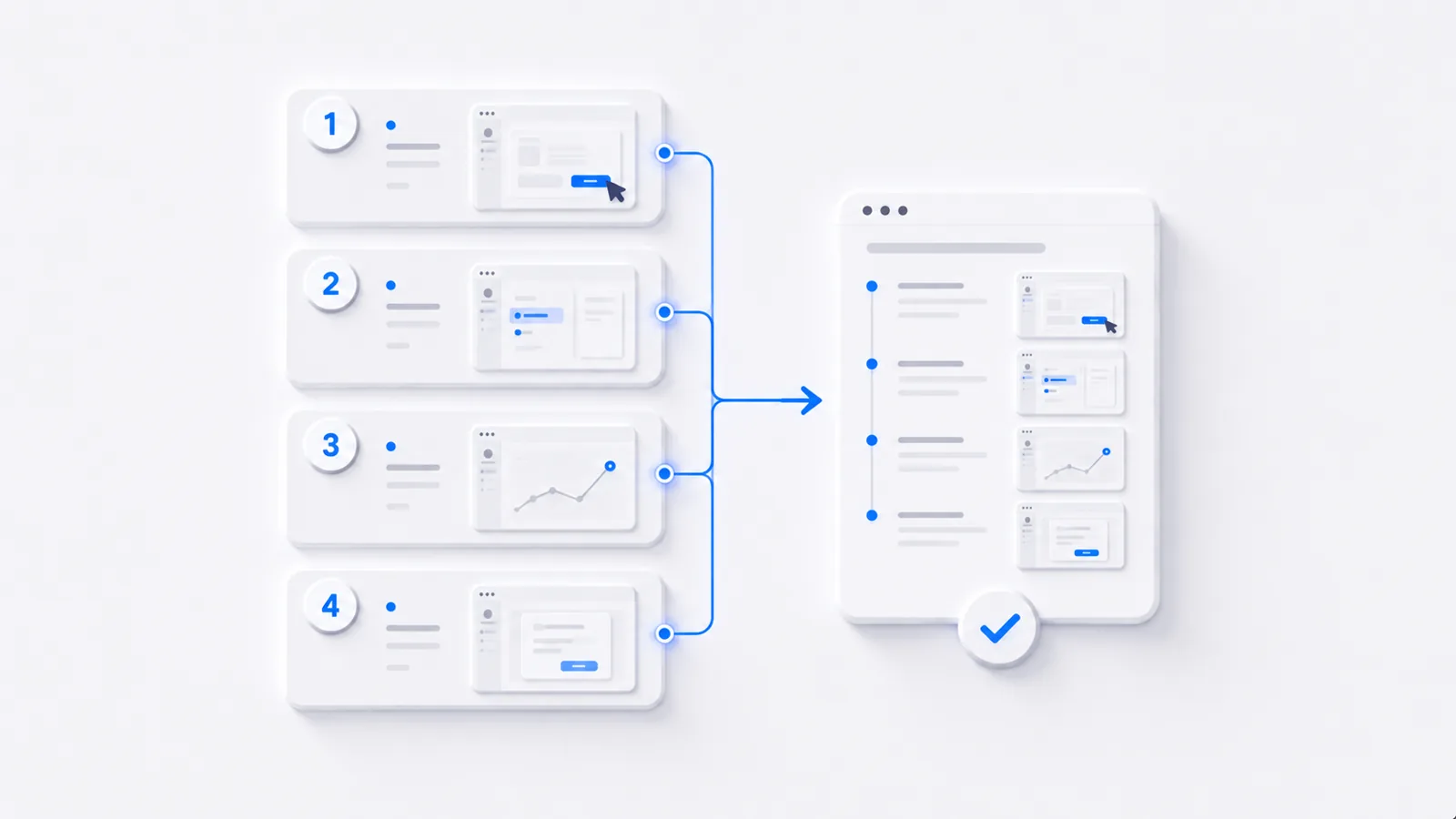
To create a step-by-step guide: break the process into single-action steps, capture a screenshot for each, write one verb-first instruction per step, number them in order, then test it by following your own guide exactly as written. The most common failure is skipping steps that feel obvious to you but aren't to a first-timer. For software processes specifically, an interactive walkthrough the reader clicks through beats a static list. Here's the method, plus a template.
Step 1: Break the process into single actions
List every action from start to finish, and make each step one action. "Open Settings and change your password" is two steps disguised as one — and the place readers get lost. When in doubt, split. A few extra clearly-labeled steps never confused anyone; a crammed step always does.
Step 2: Capture a visual for each step
Words alone make readers guess. Screenshot each step (or record the whole flow and pull frames from it), and crop or highlight the relevant part so the reader's eye lands in the right place. For software guides, capturing as you perform the task once is faster than staging each shot.
Step 3: Write instructions that don't confuse
A simple template per step:
Step N — [verb + object]. [One sentence of context only if needed.]
Example: Step 3 — Click Export. The button is in the top-right of the report toolbar.
Rules that keep guides clear:
- Start with a verb: "Click," "Select," "Enter" — not "You will want to."
- One instruction per step.
- Name what they'll see, so they know they're in the right place.
Step 4: Don't skip the "obvious" steps
You know the product; your reader doesn't. The step you're tempted to skip — "first, log in," "make sure you're on the Reports tab" — is often exactly where a newcomer stalls. Write for someone seeing it for the first time.
Step 5: Test by following it
The only real test: hand the guide to someone unfamiliar (or follow it yourself, doing only what's written). Every place they hesitate is a step to fix.
Static guide vs. interactive guide
For a short or printable SOP, a numbered screenshot guide is fine. But for a multi-step software process, a static guide asks the reader to constantly map your screenshots onto their screen. An interactive step-by-step guide removes that friction — the reader clicks through the actual flow and literally can't lose their place:
That's the difference between a guide people reference and one they complete. To build one, see how to make a clickable product demo.
Frequently asked questions
How do I create a step-by-step guide?
Break the process into single-action steps, capture a screenshot of each one, write one short instruction per step starting with a verb, and number them in order. Then test the guide by following it yourself exactly as written. For software processes, an interactive demo that the reader clicks through is clearer than a static numbered list.
What makes a good step-by-step guide?
One action per step, a visual for each step, instructions that start with a verb ('Click Export,' not 'You should now export'), and no skipped steps — including the ones that feel obvious to you but not to a first-timer. The test is whether someone unfamiliar can complete the task following only your guide.
What's the best format for a step-by-step software guide?
For software, an interactive demo or clickable walkthrough beats a static screenshot list — the reader follows along by doing, can't lose their place, and sees exactly where to click. Static numbered guides with screenshots are fine for short processes or printed SOPs; interactive guides win for anything multi-step.
How many steps should a guide have?
As many as the task genuinely needs, but each step should be one action. If you have a 25-step guide, look for natural sections and break it into chapters. The goal is clarity, not brevity — but combining multiple actions into one step is the fastest way to confuse a reader.