
How to Create a Knowledge Base (That Actually Deflects Tickets)
How to build a self-serve knowledge base people use instead of emailing support — what to write first, how to structure it, and why interactive walkthroughs deflect more tickets than text articles for software how-tos.
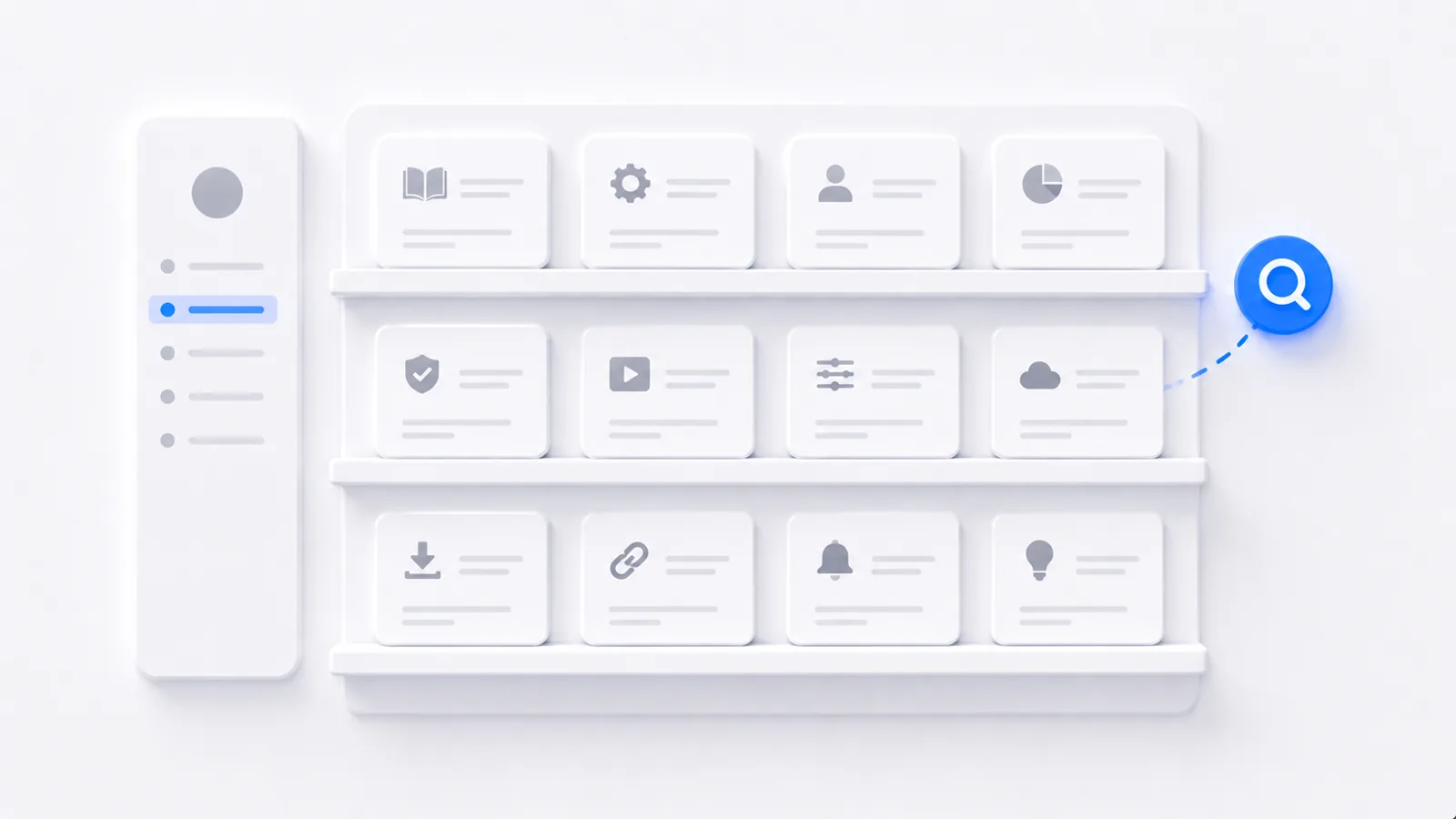
To create a knowledge base that deflects tickets: start from your real support questions, write each article to solve one problem with a title that matches how people actually ask, make it findable by search and category, and keep it current with a clear owner. Launch with your top 20 questions rather than waiting to document everything. The mistake that sinks most knowledge bases isn't bad writing — it's writing the wrong articles, or burying good ones where nobody can find them. Here's how to build one people use instead of emailing support.
Start from your tickets, not a blank outline
The temptation is to map out a complete encyclopedia of your product. Don't. Your support queue already tells you exactly what to write: pull the most common questions and complaints, rank them by volume, and write those first. The article that answers your single most-asked question deflects more contacts than fifty thorough articles nobody searches for.
Structure for finding, not for browsing
People don't browse a knowledge base — they search it, usually with a half-formed question. Structure accordingly:
- Search that works, with article titles phrased the way users phrase the problem ("export a report," not "Report Exportation Module").
- Clear top-level categories — getting started, how-to, troubleshooting, billing.
- One problem per article. A single article trying to cover five tasks is unfindable and overwhelming.
Write each article to solve one problem
A good knowledge base article gets to the answer immediately, then gives the steps. Lead with the solution in the first sentence (the reader is mid-problem and impatient), then lay out the steps using the same clarity rules as any step-by-step guide — one action per step, verb-first, name what they'll see.
Use interactive walkthroughs for software how-tos
Here's where most knowledge bases leak tickets. A text-and-screenshot article for a multi-step software task asks the reader to constantly map your stills onto their live screen — and it silently goes wrong the moment your UI changes, so the article that was supposed to deflect a ticket now creates one.
An interactive walkthrough embedded in the article deflects far more reliably: the reader follows the actual flow by doing it, can't lose their place, and you keep it current by editing a step instead of re-screenshotting everything:
For your highest-volume how-to articles, add an interactive walkthrough above the text steps. The walkthrough deflects the ticket; the text gives skimmers and search engines something to read.
Surface it in context
The best knowledge base content fails if it lives on a separate site nobody opens. Link relevant articles from inside the product, at the moment the task happens — an empty state, a settings page, an error message. Help that appears where the work is gets used; help you have to go hunting for doesn't.
Keep it alive
A knowledge base rots the same way all documentation does — when it's owned by everyone (so no one) and never reviewed. Give it an owner, a review cadence, and a habit of writing a new article every time a question spikes. For the underlying discipline, see how to document a process; for richer formats, how to create training videos for software.
Frequently asked questions
How do I create a knowledge base?
Start from your actual support tickets — write articles for the questions people genuinely ask most, not a complete encyclopedia. Structure it so articles are findable by search and by category, write each one to solve a single problem, and keep them current with an owner and review cadence. Launch with the top 20 questions rather than waiting to cover everything.
What should a knowledge base include?
Getting-started content, how-to articles for the most common tasks, troubleshooting for the most frequent issues, and answers to your highest-volume support questions. Prioritize by ticket volume — the articles that deflect the most contacts are worth writing first. For multi-step software tasks, interactive walkthroughs belong alongside or instead of text articles.
How do I make a knowledge base people actually use?
Make it findable (good search and clear categories), make each article solve one problem with a clear title that matches how people phrase the question, and surface help in context — link articles from inside the product where the relevant task happens. A knowledge base buried on a separate site that nobody can search gets ignored no matter how good the content is.
Are interactive guides better than articles in a knowledge base?
For software how-tos, often yes. A text-and-screenshot article asks the reader to map static steps onto their live screen, and it goes stale when the UI changes. An interactive walkthrough has them follow the real flow by doing it, which deflects the ticket more reliably and updates one step at a time. Text articles still suit concepts, policies, and quick reference.