
How to Write an SOP (Structure, Template, and Examples)
How to write a standard operating procedure that people actually follow — the structure every SOP needs, a reusable template, and why software SOPs work better as interactive walkthroughs than static documents.
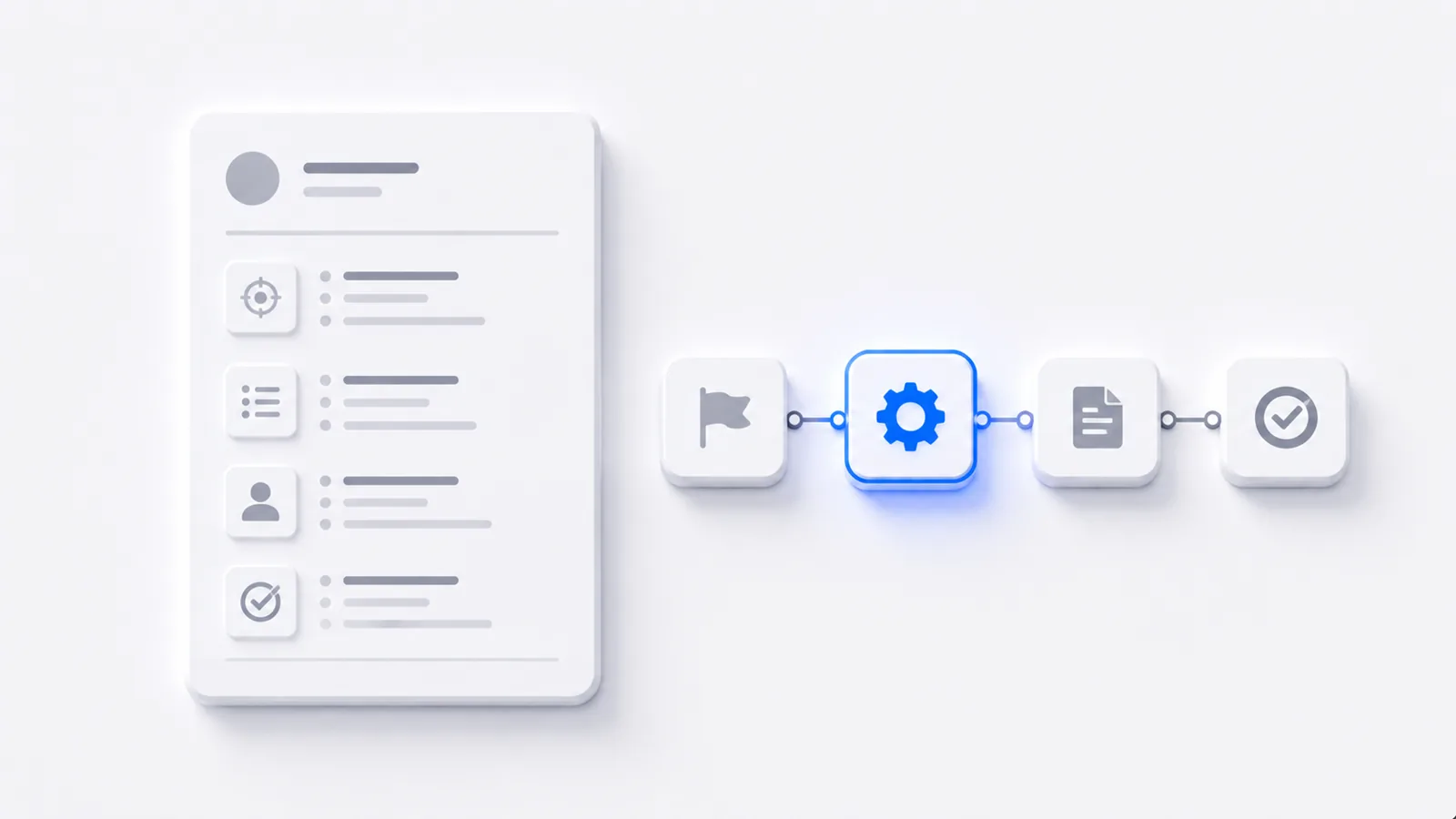
To write an SOP: define its purpose and scope, list the steps as single verb-first actions in order, name who's responsible and what tools are needed, then test it by having someone unfamiliar follow it exactly as written. Add a version, an owner, and a review date so it stays accurate. The test of a good SOP is simple — can someone with no prior knowledge complete the task correctly using only the document? For software procedures specifically, an interactive walkthrough does that job better than static text. Here's the structure and a template.
What every SOP needs
An SOP is more than a list of steps — the wrapper around the steps is what makes it usable and maintainable:
- Title + ID — so it can be referenced and found.
- Purpose — one sentence on why this procedure exists.
- Scope — when it applies, and just as importantly, when it doesn't.
- Roles — who performs it, who's accountable.
- Tools / inputs — what's needed before starting.
- Steps — the procedure itself.
- Metadata — version, owner, last-reviewed date.
Purpose, scope, steps, and owner are non-negotiable. The rest you add based on how critical and how complex the procedure is.
A reusable SOP template
SOP-[ID]: [Title] Purpose: [Why this exists, one sentence.] Scope: [When this applies / when it doesn't.] Owner: [Name/role] · Version: [n] · Last reviewed: [date]
Steps
- [Verb + object.] [Context only if needed.]
- [Verb + object.]
- …
Copy that, fill it in, and you have a structurally complete SOP. The hard part isn't the template — it's writing steps that don't get misread.
Write steps that can't be misread
The same rules that make any step-by-step guide clear apply here:
- One action per step — "Open Settings and update billing" is two steps.
- Start with a verb — "Click," "Select," "Enter."
- Name what they'll see, so they know they're in the right place.
- Don't skip the obvious — the step you'd leave out is often where a newcomer stalls.
Write SOP steps while you actually perform the task, not from memory afterward. Memory skips the small steps — and those are exactly the ones that trip up the person following it.
Test it before you publish
An untested SOP is a guess. Hand it to someone who's never done the task and have them follow only what's written. Every place they hesitate is a gap to fix. This single step catches more problems than any amount of careful drafting.
Why software SOPs belong in interactive demos
A static SOP for a software task asks the reader to map your written steps and screenshots onto their live screen — and it goes out of date the moment the UI changes. An interactive walkthrough is a self-updating SOP: the reader follows the real flow by doing it, can't lose their place, and you fix it by editing one step instead of rewriting the document:
Static SOPs stay the right tool for physical, offline, or policy procedures with no live screen to follow. For the broader practice of choosing what to document and keeping it alive, see how to document a process.
Frequently asked questions
How do I write a standard operating procedure?
Define the SOP's purpose and scope, list the steps as single verb-first actions in order, note who is responsible and any tools or inputs needed, then test it by having someone unfamiliar follow it exactly. Give it a version, an owner, and a review date. The goal is that someone with no prior knowledge can complete the task correctly using only the SOP.
What should an SOP include?
A title and ID, a purpose (why this exists), a scope (when it applies and when it doesn't), roles and responsibilities, any required tools or materials, the numbered steps themselves, and metadata — version, owner, and last-reviewed date. Not every SOP needs all of these, but purpose, scope, steps, and an owner are the non-negotiable core.
What is the difference between an SOP and a work instruction?
An SOP describes the overall procedure for a task — the what and the why at a process level. A work instruction is the granular, step-by-step detail of how to perform one part of it. An SOP can reference several work instructions. In practice many teams blend them, but the distinction matters when a process is complex enough to need both levels.
What's the best format for a software SOP?
For any SOP performed by clicking through software, an interactive walkthrough beats a static document — the reader follows the real flow by doing it, can't lose their place, and the SOP doesn't fall out of sync every time the UI changes. Static document SOPs remain fine for physical, offline, or policy procedures where there's no live screen to follow.