
7 User Onboarding Examples (and Why They Work)
Seven user onboarding patterns that get people to value fast — from progressive setup to guided first actions — with the principle behind each so you can adapt them to your own product.
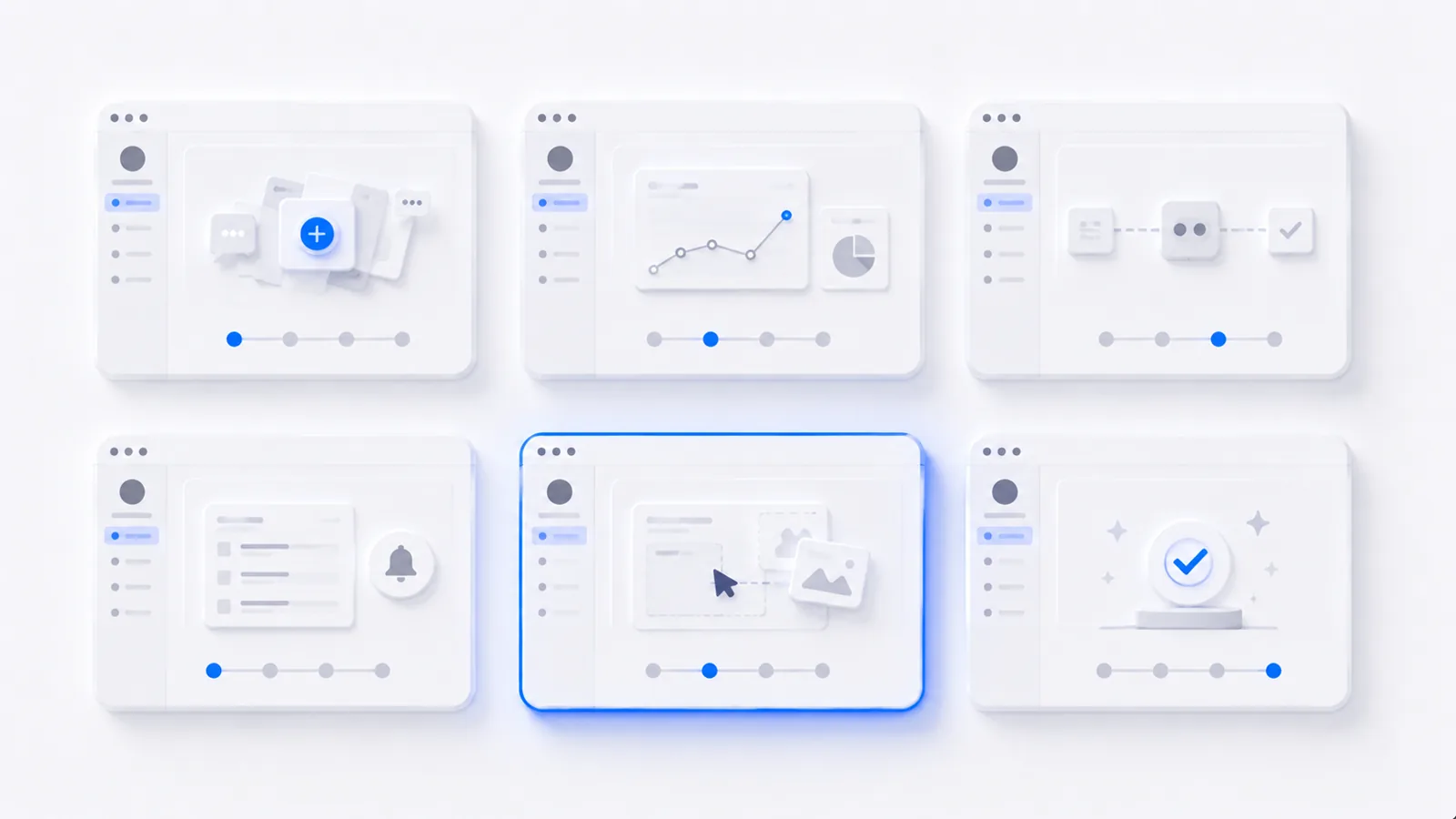
The best user onboarding examples all do the same thing: get the user to their first real moment of value fast, with the least setup in the way. Below are seven patterns worth stealing — from guided first actions to progressive setup — each with the principle that makes it work, so you can adapt it instead of copying it blindly. (For the reasoning behind all of these, start with user onboarding best practices.)
1. The guided first action
Instead of dropping the user into an empty dashboard, the product highlights one obvious next step and walks them through it hands-on. Why it works: people learn by doing, and the action is itself the activation event. This is the single highest-leverage pattern for most products.
2. Progressive setup
Rather than a wall of configuration up front, setup is revealed gradually — only when a feature actually needs it. Why it works: every setup step before the first "aha" is a wall between the user and value. Deferring configuration until after the win dramatically lifts completion.
3. Sample data that shows the payoff
The product loads realistic demo data so the user sees the value before connecting their own. Why it works: motivation to do setup work skyrockets after someone sees what they'll get, and craters before it.
4. The progress checklist
A short, visible checklist shows what's done and what's next. Why it works: progress is motivating, and a clear "what's next" beats an open-ended empty product. Keep it to a handful of items that each lead to value — not a chore list.
5. Contextual tooltips (triggered by behavior)
Instead of a tour that fires on first login, tips appear when the user reaches the relevant feature. Why it works: help arrives exactly when it's useful and ignorable when it's not — the opposite of a five-step "Next, Next, Next" tour everyone dismisses.
The difference between a tooltip tour (fires all at once, ignored) and contextual tooltips (fire on behavior, welcomed) is timing. Trigger help by what the user is doing, not by the clock.
6. The interactive demo as onboarding
Some products carry a brand-new user through the exact happy path with an embedded interactive walkthrough — hands-on, no support rep needed. Why it works: it combines the guided-first-action and sample-data patterns into one self-serve experience that scales:
7. Subtraction (the invisible example)
The best onboarding often doesn't look like onboarding at all — fields cut from signup, settings deferred, empty states replaced with a first action. Why it works: removing friction beats adding guidance. When onboarding feels like the user just started using the product and it worked, you've nailed it.
How to apply these
Don't bolt all seven on. Start from your activation moment, pick the one or two patterns that remove the most friction between signup and that action, and measure activation rate before and after. To turn the guided-walkthrough patterns (1 and 6) into reality, see how to make a clickable product demo, and to audit your full flow stage by stage, run it against the SaaS onboarding checklist.
Frequently asked questions
What is a good example of user onboarding?
A strong example gets the user to do the core action — the one that delivers value — in the first session, with as little setup as possible beforehand. Patterns like a guided first action on an otherwise empty dashboard, progressive setup that defers configuration until after the first win, and sample data that shows the payoff immediately are all proven examples. The common thread is fast time-to-value, not a complete feature tour.
What are the main types of user onboarding?
The common patterns are: guided interactive walkthroughs (the user does the real action with light guidance), progressive onboarding (setup is revealed gradually as needed), checklists that show progress, empty states that prompt a first action, and contextual tooltips triggered by what the user is doing. Most good onboarding combines a few of these rather than relying on one.
How do I choose the right onboarding pattern for my product?
Start from your activation moment — the action that predicts retention — and pick the pattern that removes the most friction between signup and that action. Complex products benefit from guided walkthroughs; simple ones often just need a good empty state and a single prompt. Match the pattern to how much help the user genuinely needs to reach value.
Do interactive walkthroughs work better than tooltip tours?
Generally yes. Passive tooltip tours where the user clicks 'Next' through a series of pop-ups teach little because the user isn't doing anything. Interactive walkthroughs have the user perform the real action with guidance, which teaches by doing and makes the action itself the activation event. The best onboarding examples lean on doing, not reading.