
How to Create a Product Tour (In-App Onboarding That Activates Users)
How to create an in-app product tour that gets new users to value — pick the activation moment, guide by doing instead of tooltips, keep it short, and know when a standalone interactive demo is the better tool.
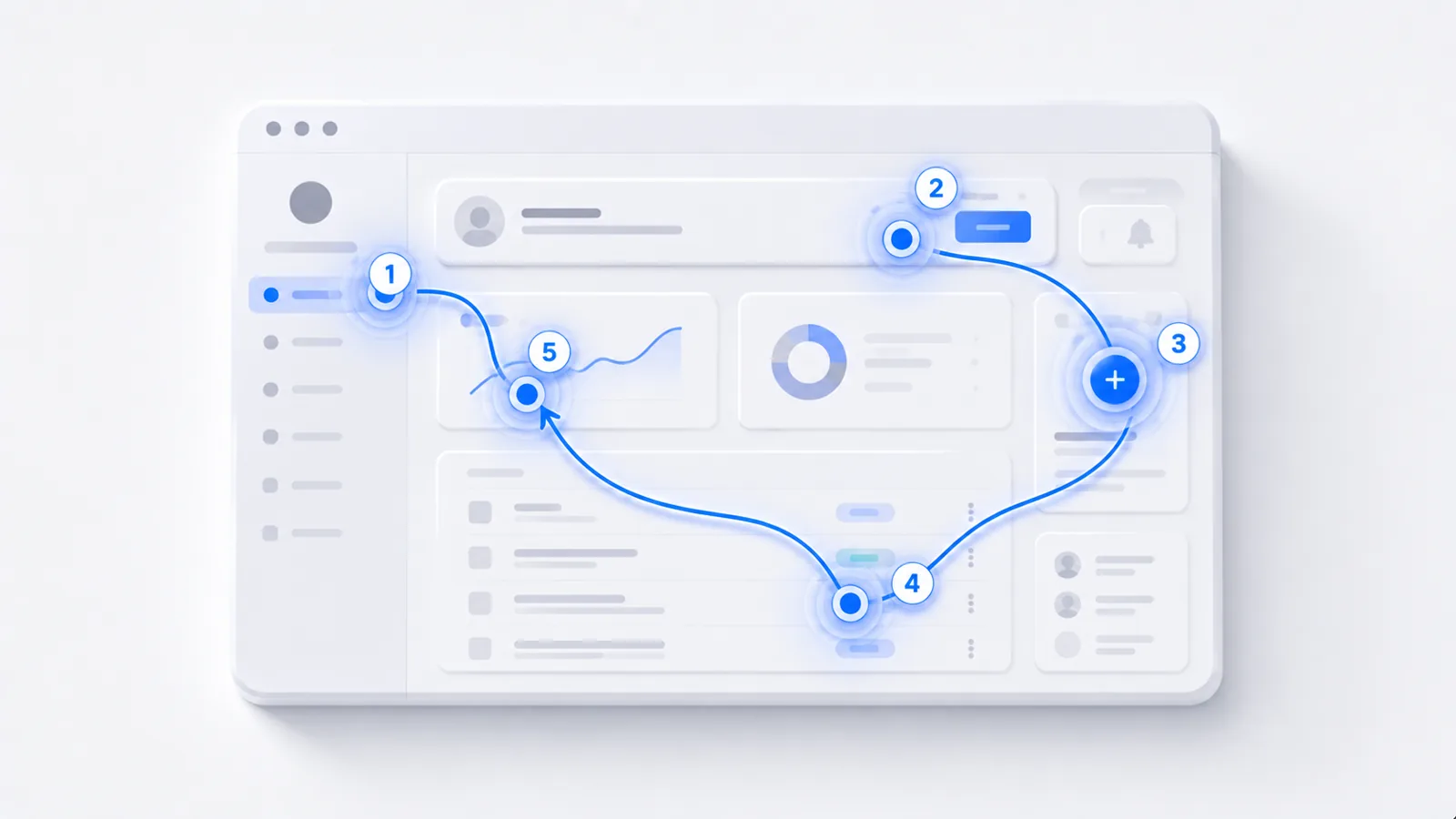
To create an in-app product tour: define the one action that gets a new user to value, design the shortest guided path to it, guide by having the user do the real action instead of clicking through tooltips, keep it to a handful of steps, and measure activation to confirm it works. The most common failure is a long, passive "Next, Next, Next" tour users dismiss on sight. Here's how to build one that actually activates — and when a standalone interactive demo is the better tool instead.
Start from the activation moment
An in-app product tour has one job: get a new user to their first real value, fast. So before designing steps, name your activation moment — the specific action that reliably predicts a user will stick around (published a project, connected a source, sent a first message). The entire tour is just the shortest guided path to that action. (This is the foundation of user onboarding best practices.)
Guide by doing, not by touring
The tour pattern everyone hates is the tooltip slideshow: five pop-ups, a "Next" button, zero interaction. Users dismiss it because they aren't doing anything. Build the opposite — have the user perform the real first action with light guidance, so the tour is them using the product. Doing it is the lesson, and the action is itself the activation event.
If your product tour can be completed without the user touching anything but a "Next" button, it's a slideshow. Redesign it so each step is a real action the user takes.
Keep it short and contextual
Users can't absorb features they haven't needed yet. Resist cramming the whole product into the first session:
- Three to five steps to the first value moment — no more.
- Defer advanced features to later, introduced contextually when the user actually reaches them.
- Make help ignorable — tips that appear on the relevant action, not all at once on login.
Measure it, or you're guessing
A tour that exists isn't a tour that works. Track activation rate before and after you ship it. If activation doesn't move, the tour is too long, too passive, or pointed at the wrong action — fix and re-measure. (For patterns to borrow, see user onboarding examples.)
In-app tour vs. standalone demo
An in-app tour activates people who've already signed up and are inside your product. But for prospects who haven't signed up — on your website, in a sales conversation — you need a standalone interactive demo they can experience without an account:
Most products need both: a standalone demo to win the signup, an in-app tour to activate the user after it. They solve different problems at different stages. To build the standalone version, see how to make a clickable product demo and how to build a product walkthrough.
Frequently asked questions
How do I create a product tour?
Start by defining the one action that gets a new user to value (your activation moment), then design the shortest guided path to it. Guide the user by having them do the real action rather than clicking through passive tooltips, keep the tour to a handful of steps, and trigger help contextually. Measure activation before and after so you know the tour is actually working, not just present.
What makes a good in-app product tour?
It's short, it points at one clear first action, and it has the user do something real rather than read a series of pop-ups. The best in-app tours feel less like a tour and more like the product gently helping the user accomplish what they came to do. If users dismiss your tour immediately, it's too long or too passive.
How long should a product tour be?
As few steps as it takes to get the user to their first value moment — often three to five. Long tours that try to cover every feature get dismissed and teach little, because users can't absorb features they haven't needed yet. Introduce advanced functionality later, contextually, when the user actually reaches it.
Should I build an in-app tour or a standalone interactive demo?
Use an in-app tour to activate users who have already signed up and are inside your product. Use a standalone interactive demo to show the product to prospects who haven't signed up yet, on your website or in sales. Many products need both — they solve different problems at different stages, and they reinforce each other.