
What Is a Product Tour? (Types, Examples, and When to Use One)
What a product tour is, the main types — onboarding tours, sales tours, and standalone interactive demos — and how to choose the right one. Plus why 'Next, Next, Next' tooltip tours fail and what works instead.
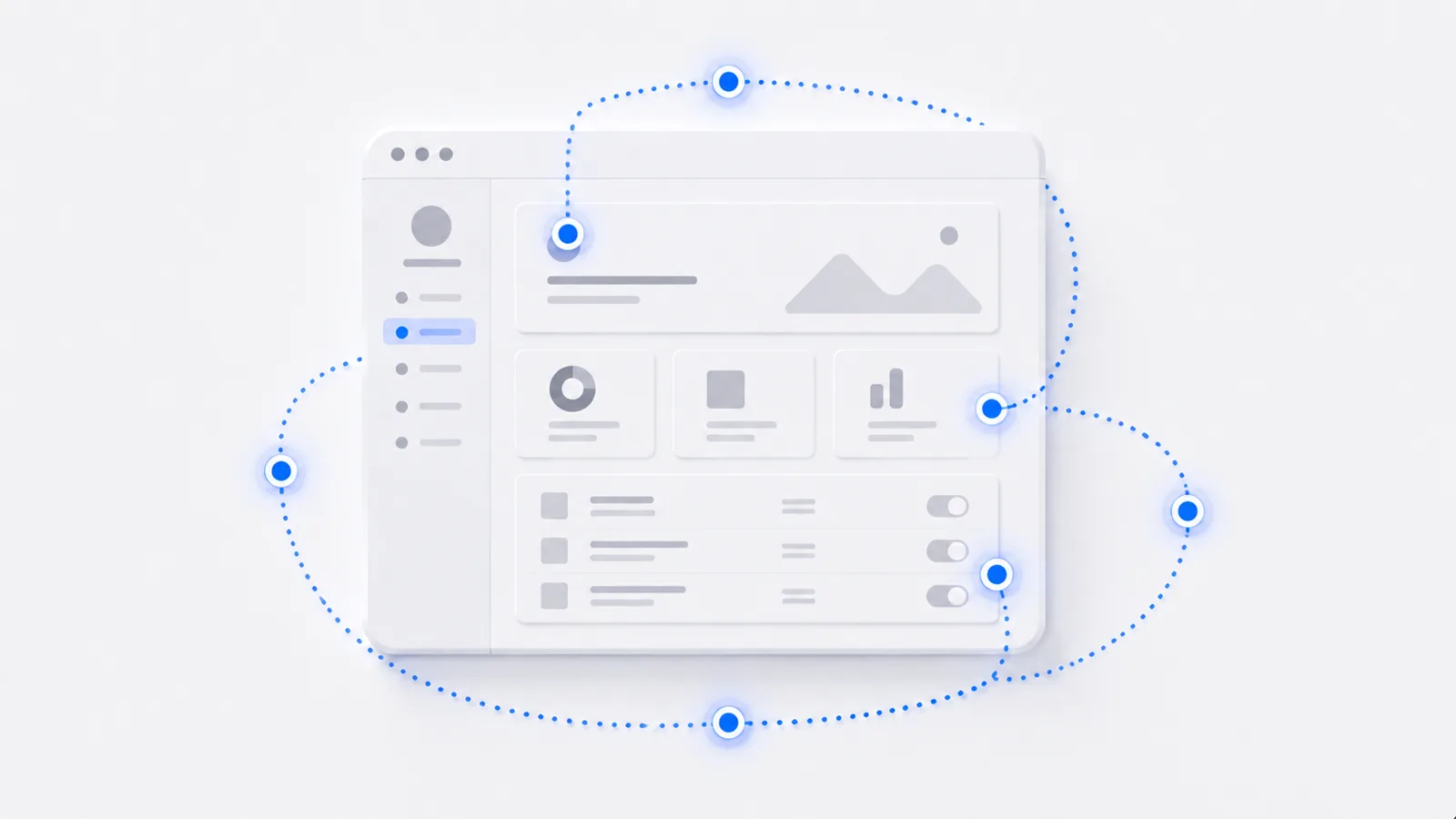
A product tour is a guided walkthrough that shows someone how a product works by leading them through its key steps. It can live inside the app to onboard new users, or stand alone as an interactive demo for marketing and sales. The goal is the same either way: get the viewer to experience the product's value, not read about it. Below are the types, when to use each, and why the classic "Next, Next, Next" tooltip tour fails so often.
The three types of product tour
Not all product tours do the same job. There are three common kinds:
- In-app onboarding tour — built into the live product, it guides brand-new users to their first value moment. Its job is activation.
- Standalone interactive demo — a self-contained, clickable walkthrough used on a website, in outbound, or in sales. Its job is to let prospects experience the product before they sign up. (This is what most people mean by an interactive demo.)
- Self-guided tour — any tour the viewer drives at their own pace rather than watching passively. Both of the above can be self-guided, and the best ones are.
When to use each
Match the tour to the goal:
- New users not reaching value? An in-app onboarding tour, tied to your activation moment.
- Prospects bouncing before signup? A standalone interactive demo on the landing page so they can try before they commit.
- Sales deals stalling between calls? A self-guided demo the buying committee can click through on their own.
Many products use more than one — an in-app tour for activation and a standalone demo for the website. They're complementary, not competing.
Why "Next, Next, Next" tours fail
The product tour got a bad name from a specific bad pattern: the tooltip tour that fires on first login and makes the user click "Next" through five pop-ups. People dismiss it instantly, because they're not doing anything — they're reading captions over a UI they haven't touched.
A tour the user clicks through passively teaches almost nothing. If your "product tour" is a sequence of "Next" buttons, it's a slideshow, not a tour — and users treat it like one.
What works instead is one of two things: learning by doing (the user performs the real action with light guidance, so the action itself is the lesson) or contextual help (tips appear when the user reaches the relevant feature, not all at once).
What a good product tour feels like
A good product tour puts the viewer in control and lets them experience the real thing. Here's a standalone interactive product tour — click through it and notice you're driving, not watching:
That control is why interactive product tours get finished far more often than passive ones, and why they survive AI-summarized search: a summary can describe a tour, but it can't let you take one. To build one, see how to create an interactive product demo; for the in-app onboarding variety, how to create a product tour; and for inspiration, interactive demo examples.
Frequently asked questions
What is a product tour?
A product tour is a guided walkthrough that shows someone how a product works by leading them through its key steps. It can live inside the app to onboard new users, or stand alone as an interactive demo used in marketing and sales. The goal is to get the viewer to understand and experience the product's value without reading a manual or watching a passive video.
What are the types of product tours?
There are three common types: in-app onboarding tours that guide new users to their first value, sales or marketing tours (usually standalone interactive demos) that let prospects experience the product before signing up, and self-guided product tours that anyone can click through at their own pace. Many products use more than one — an in-app tour for activation and a standalone demo on the website.
Why do tooltip product tours fail?
Passive tooltip tours that make the user click 'Next' through a series of pop-ups fail because the user isn't doing anything — they tune out and dismiss the tour. Tours work when the user performs the real action with guidance (learning by doing) or when help appears contextually based on what the user is doing, rather than firing all at once on first login.
Is a product tour the same as an interactive demo?
They overlap. An interactive demo is one way to deliver a product tour — a clickable, self-guided walkthrough, often used for marketing and sales. 'Product tour' is the broader term that also includes in-app onboarding tours built with tooltips inside the live product. In short: every interactive demo is a kind of product tour, but not every product tour is a standalone interactive demo.