
9 Interactive Demo Examples (and Why They Work)
Real interactive demo examples broken down by use case — sales, marketing websites, onboarding, and support — with the specific patterns that make each one convert, plus a live demo you can click through.
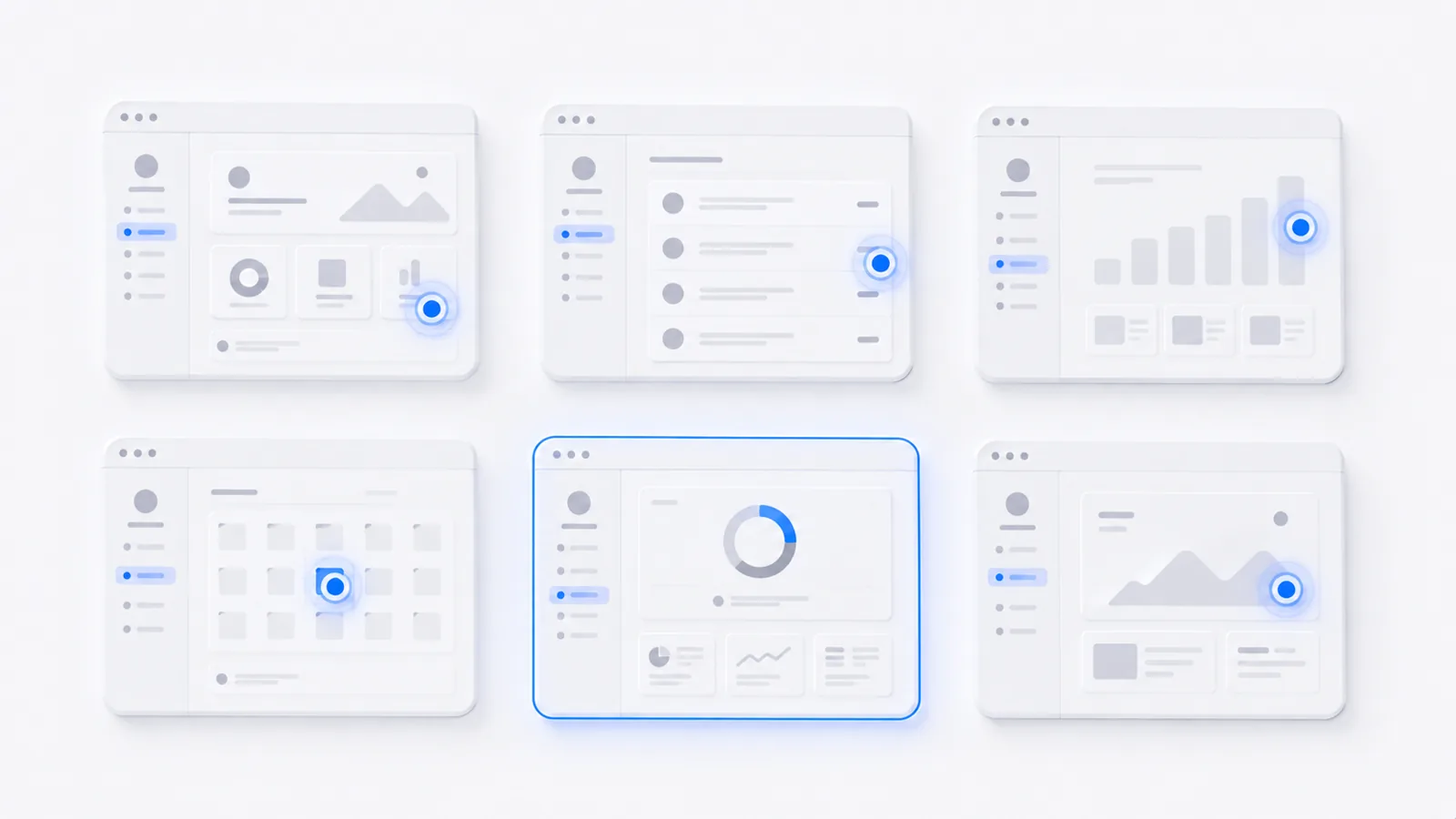
The best interactive demo examples all share one trait: each one shows a single, concrete outcome the viewer can reach by clicking — not a tour of every feature. Below are nine examples grouped by use case (sales, marketing, onboarding, support), the specific pattern that makes each work, and a live demo you can click through yourself. Steal the patterns that fit your product.
What separates a great interactive demo from a boring one
Before the examples, the rule they all follow: one outcome, shown fast, fully guided. A great demo picks a single job the product does, gets the viewer to the payoff in the first few steps, and never leaves them wondering where to click. A boring demo is a feature checklist with no story. Keep that lens as you read the examples.
Sales demos
- The tailored follow-up. After a call, send a demo built around this buyer's use case — their workflow, their data shape. It re-sells while you're not in the room and gets forwarded to the rest of the buying committee. Pattern: personalization + shareable link.
- The "leave-behind" proof. A short demo that proves the one claim that came up as an objection on the call. Pattern: single-outcome, addresses one doubt.
- The pre-call qualifier. A demo on your "Book a demo" page that lets prospects self-qualify before they ever talk to sales. Pattern: front-loaded aha, low commitment.
Marketing website demos
- Hero "try it" demo. Replace the hero video with an embedded interactive demo so visitors use the product in the first scroll. Pattern: above-the-fold, instant interactivity. (See how to embed a demo on a website.)
- Feature-page proof. Each feature page shows the feature working instead of describing it. Pattern: one demo per feature, tightly scoped.
- Pricing-page reassurance. A demo beside the plans that shows what the paid tier actually unlocks. Pattern: reduce purchase hesitation at the decision point.
Onboarding demos
- First-value walkthrough. A guided demo new users see on day one that walks them to their first win. Pattern: time-to-value, in-app or emailed.
- Feature-adoption nudge. A short demo that introduces an underused feature to existing users. Pattern: single feature, contextual.
Support & docs demos
- Show-don't-tell help article. Replace a wall of screenshots in a help doc with one clickable demo of the exact steps. Pattern: the demo is the documentation. (This doubles as a step-by-step guide.)
A live example
Here's an interactive demo you can actually click through — a guided analytics walkthrough with a single clear outcome. Notice how the hotspots keep you moving and you never wonder what to do next:
And the same idea on mobile, where most website visitors actually land:
Steal these patterns
Across all nine, the through-line is the same: pick one outcome, show the aha early, guide every click, keep it short. Do that and the placement almost takes care of itself. When you're ready to build one, start with how to record a software demo.
Frequently asked questions
What is an interactive demo?
An interactive demo is a clickable, self-paced walkthrough of a product — built from captured screenshots or video with guiding hotspots, tooltips, and steps layered on top. Unlike a recorded video, the viewer drives: they click through the flow at their own pace, which is why interactive demos get completed far more often than passive videos.
What makes a good interactive demo?
Four things: a single clear outcome (not a feature tour), the 'aha' moment shown early, tight guidance so viewers never get lost (hotspots and short tooltips), and a length under about 12 steps. The best demos feel like the viewer is accomplishing something, not watching a presentation.
Where should I use an interactive demo?
The four highest-impact placements are: a website landing page (let visitors try before they book), inside sales follow-up (a tailored demo a buyer can re-watch and forward to their team), product onboarding (guide new users to first value), and support docs (show the steps instead of describing them).
How many steps should an interactive demo have?
For most use cases, 5–12 steps. Long enough to show a real outcome, short enough that viewers finish. If a flow genuinely needs more, break it into chapters or multiple demos rather than one exhausting walkthrough.