
How to Create an Interactive Product Demo (2026 Guide)
A practical, step-by-step guide to building an interactive product demo that buyers actually finish — what to record, how to structure it, and the mistakes that kill conversion.
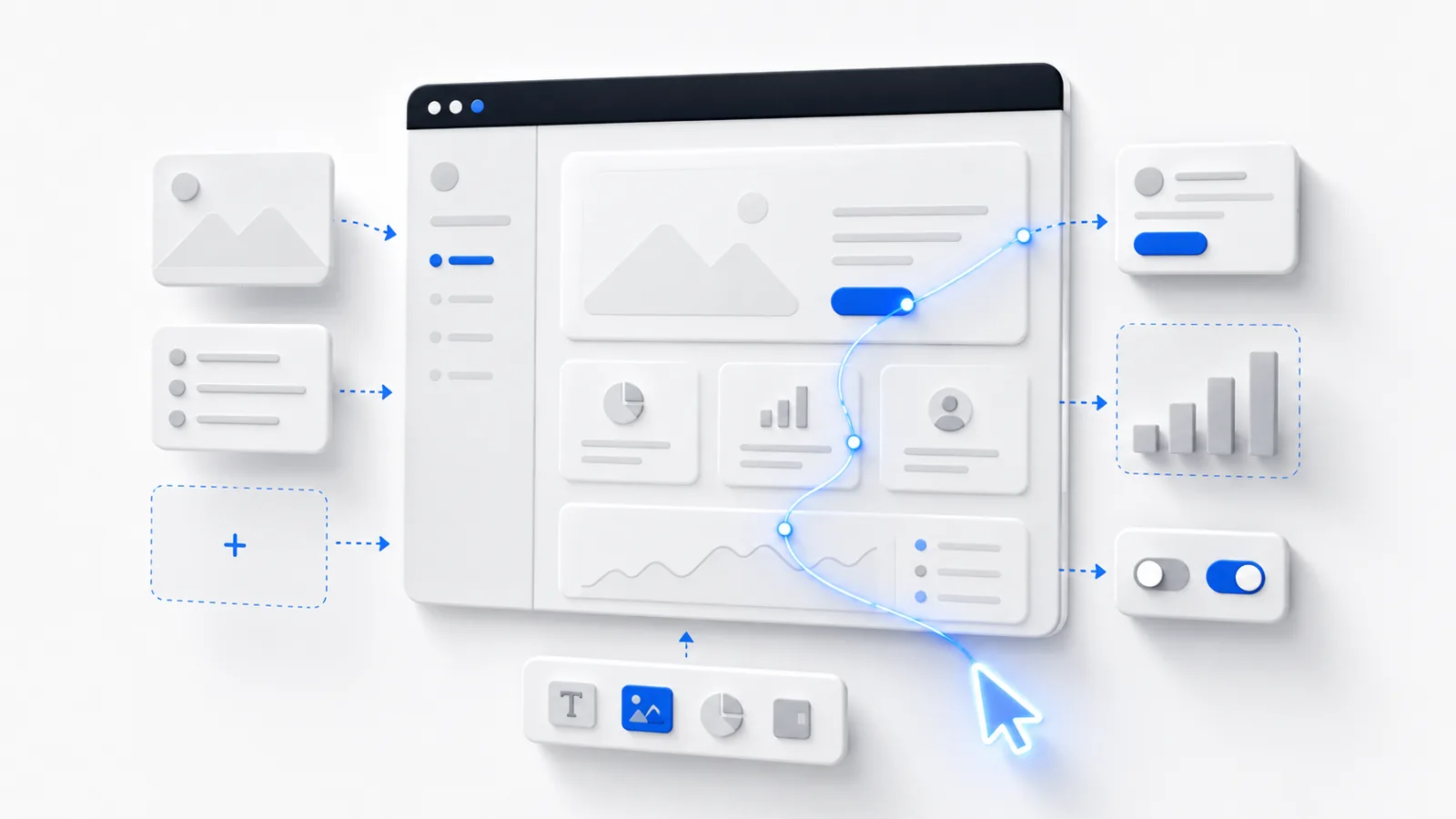
An interactive product demo is a clickable walkthrough of your product that a buyer can explore on their own — no sales call, no login, no install. Done well, it replaces the "Book a demo" wall with a "try it right now" invitation. This guide walks through exactly how to build one that people finish.
Here's a finished example, embedded the same way you'd embed one on your own site:
Start with the one thing you want them to believe
Most demos fail because they try to show everything. The fix is to decide, before you record a single screen, on the single belief you want the viewer to walk away with. "This will cut my reporting time in half." "I can set this up in five minutes." "My whole team can use this without training."
Everything in the demo serves that one belief. If a screen doesn't advance it, it doesn't belong.
Write the closing line first: "By the end of this demo, the viewer believes ______." If you can't fill that blank in one sentence, you're not ready to record.
The three formats, and when each wins
There are three common ways to "demo" a product, and they are not interchangeable:
| Live call | Demo video | Interactive demo | |
|---|---|---|---|
| Buyer controls pace | — | — | ✓ |
| Works without scheduling | — | ✓ | ✓ |
| Self-qualifies the buyer | — | — | ✓ |
| Embeddable on your site | — | ✓ | ✓ |
| Effort to produce | High (recurring) | Medium | Low (once) |
A live call converts well but doesn't scale and adds friction. A video scales but the viewer is passive. An interactive demo gives you the scale of a video with the engagement of a call — which is why it's the format that moves conversion.
How to build one, step by step
- Map the happy path. Write down the 5–9 clicks that lead to your "aha" moment. Skip setup, settings, and edge cases. Start as close to the value as you honestly can.
- Capture the screens. Record your real product. With createademo's Chrome extension you click through your product once and it captures every step — as screenshots, full video, or both — automatically.
- Trim to the spine. Delete any step that doesn't advance the one belief. A demo that's too long is the single most common reason people drop off.
- Add hotspots and tooltips. Guide the eye. Each step should have one obvious thing to click and a one-line tooltip explaining what they're seeing — not a paragraph.
- Write tooltips like a helpful colleague. Short, specific, benefit-led. "Click Reports to see revenue by channel" beats "This is the reporting module."
- End with a single call to action. One button. "Start free." Not three competing links.
- Embed it everywhere it belongs. Homepage, pricing page, cold email, sales follow-up. The same demo works in all of them.
The most common mistake: starting the demo at the login screen. Nobody's "aha" moment is your auth flow. Start one or two clicks before the payoff, not ten.
Measure whether it's working
A demo isn't done when you publish it — it's done when the numbers say it works. Watch three things: completion rate (do people reach the last step?), drop-off step (where do they leave?), and CTA click-through (do finishers convert?). If everyone leaves on step 4, step 4 is the problem. Fix it, republish, watch again.
That feedback loop — not production value — is what separates a demo that converts from one that just exists.
Frequently asked questions
How long should an interactive product demo be?
Aim for 5 to 9 steps and under three minutes of total interaction. The goal is to get a buyer to one clear 'aha' moment, not to tour every feature. If a step doesn't move them toward that moment, cut it.
Do I need a staging environment to record a demo?
No. The fastest approach is to capture your real product UI as a sequence of screenshots or a screen recording, then add clickable hotspots on top. You avoid the cost and brittleness of maintaining a separate demo environment, and the demo can't break when your backend changes.
Interactive demo vs. demo video — which converts better?
Video wins for awareness (it autoplays, it's passive, it travels well on social). Interactive wins for conversion, because the buyer controls the pace, explores what matters to them, and self-qualifies. Most teams use a short video to hook and an interactive demo to convert.
Can I put an interactive demo on my homepage?
Yes, and you should. Embedding a demo on your homepage or pricing page lets visitors experience the product before they ever fill out a form — which is exactly what product-led buyers want.