
8 Ways to Use Interactive Demos (Beyond the Homepage)
Interactive demos aren't just a homepage hero. Eight high-leverage places to use them across marketing, sales, onboarding, and support — with why each one works.
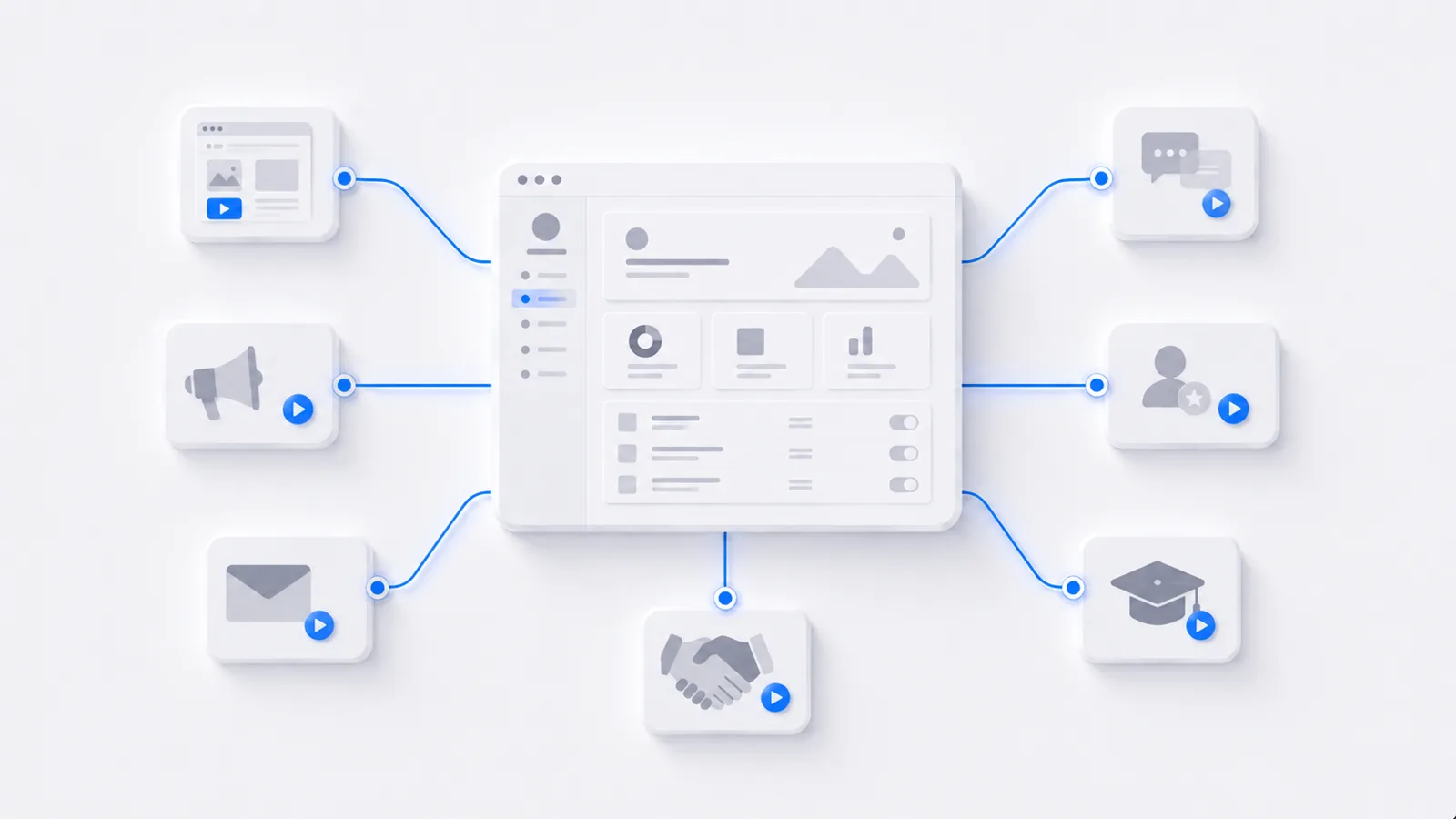
An interactive demo is too useful to leave sitting on your homepage. Because it's reusable, self-guided, and lightweight to embed, the same demo can work across marketing, sales, onboarding, and support — anywhere letting someone experience the product beats describing it. Here are eight high-leverage places to put one, and why each works.
1. The homepage hero
The classic spot, and still one of the best. Instead of a screenshot or a "book a demo" button, let visitors click through the real product in the first scroll. It answers "what does this actually do?" instantly and survives AI-summarized search, because a summary can't let you click.
2. Sales leave-behinds
After a call, send an interactive demo the buyer can replay — and forward to the rest of the buying committee who weren't there. A flat recording forwards as a flat recording; an interactive demo keeps guiding each new stakeholder. (More in how to record a sales demo.)
3. Outbound emails
A link to a 60-second self-guided demo gives a cold prospect a reason to engage that a wall of text doesn't. They see value before committing to a call.
4. In-app onboarding
Embed a guided walkthrough inside the product to carry brand-new users to their first value moment, hands-on, without a support rep. The doing is the activation event. (See how to create a product tour.)
5. Help center and support
Drop an interactive walkthrough into your highest-volume help articles. Users solve the problem by doing it instead of mapping screenshots onto their screen — which deflects more tickets than text ever does. (See how to create a knowledge base.)
6. Paid landing pages
When you're paying for the click, don't waste it on a static page. An embedded demo lifts engagement and gives you analytics on what resonates — qualification data a "sign up" button can't provide.
7. Self-service evaluation
Put an ungated demo where buyers research, so they can try before they talk to sales. It absorbs the low-value "just show me what it does" stage and sends warmer, more qualified buyers to your reps.
8. Internal training and enablement
Use interactive walkthroughs to onboard new hires and train teams on internal tools — repeatable, hands-on, and not dependent on one busy person running the same session every month. (See how to onboard new employees to software.)
One demo, many jobs
Here's a single interactive demo — the same artifact that could anchor any of the eight placements above:
Build the demo of your core flow once, then tailor only the framing and call-to-action per placement. That reuse is what makes interactive demos far cheaper per channel than recording a fresh video for each one.
To build your first one, start with how to create an interactive product demo.
Frequently asked questions
Where should I use an interactive demo?
The highest-leverage places are your homepage and product pages, sales follow-ups and leave-behinds, outbound emails, in-app onboarding, help center articles, paid landing pages, and internal training. The common thread is any moment where letting someone experience the product beats describing it. One demo can often be reused across several of these with small tweaks.
Can I reuse one interactive demo in multiple places?
Yes — that's part of the appeal. A single interactive demo of your core flow can live on your homepage, get forwarded as a sales leave-behind, embed in a help article, and anchor a landing page. You may tailor the framing or call-to-action per placement, but the demo itself is reusable, which makes it far more cost-effective than recording a new video for every channel.
Do interactive demos work for sales as well as marketing?
Yes. In marketing they let prospects self-qualify before a call; in sales they work as tailored leave-behinds that the whole buying committee can click through after a meeting. Many teams get the most value on the sales side, because an interactive demo keeps selling when the rep isn't in the room and travels well when it's forwarded internally.
Are interactive demos useful after the sale?
Very. Post-sale, they power in-app onboarding (guiding new users to value), customer training (hands-on, repeatable), and support deflection (embedded in help articles so users solve problems by doing). The same format that wins the deal also reduces the cost of serving the customer afterward.