
How to Embed an Interactive Demo on Your Website
A step-by-step guide to embedding an interactive product demo on a landing page, in an email, or in your docs — how to get the embed code, place it for conversions, and keep it responsive on mobile.
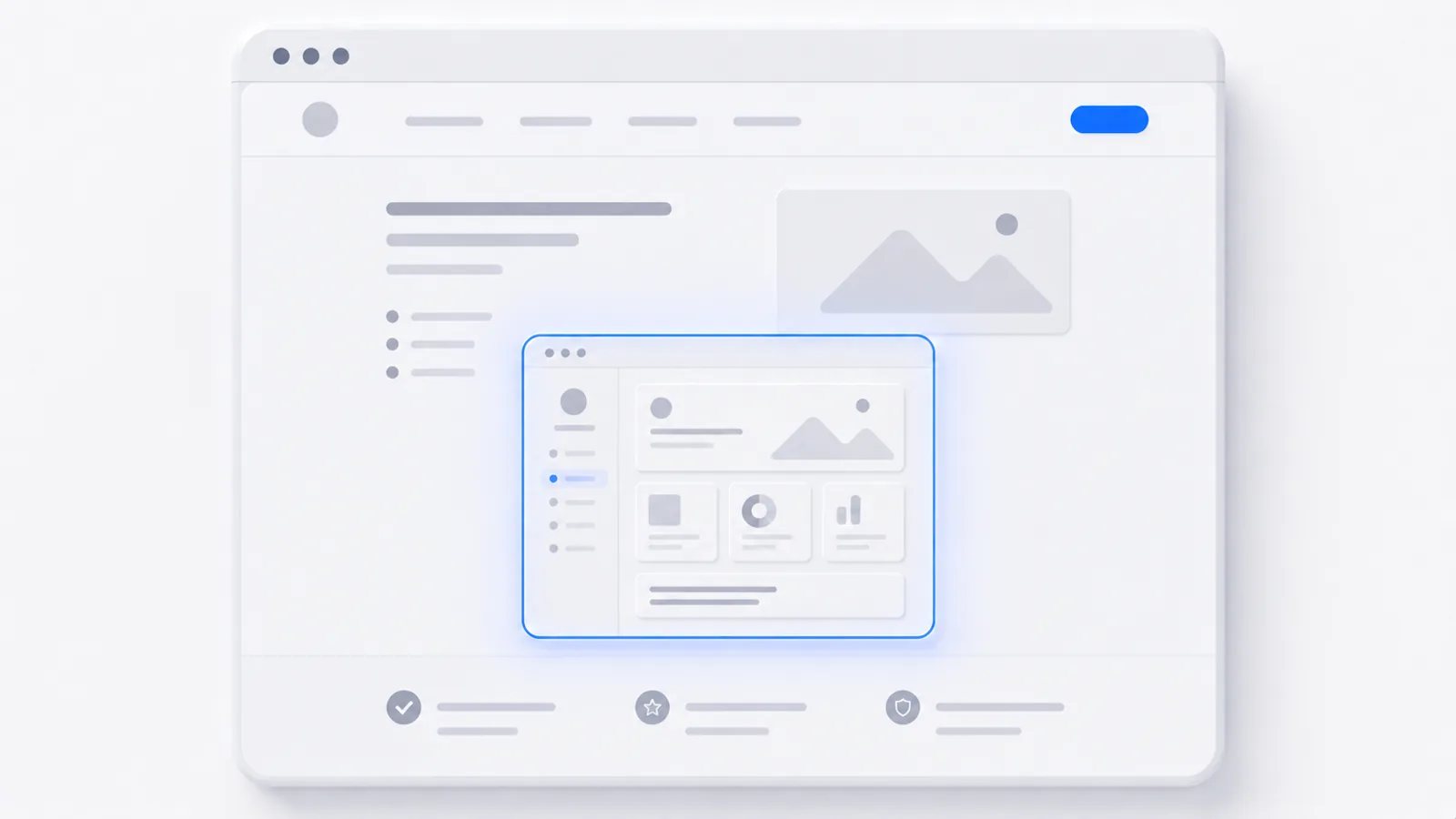
To embed an interactive demo on your website: open your demo's share or embed settings, copy the embed code (an iframe snippet), and paste it into your page's HTML or an "embed" block in your site builder. Wrap it in a responsive container so it scales on mobile, place it above the fold on the page where intent is highest, and you're done — visitors click through the demo without ever leaving your site. Here's how to do each part well. If you just need the wrapper, the embed code generator turns any URL into a responsive iframe snippet you can paste straight into a page.
Why embed a demo instead of linking to it
A link sends people away; an embed brings the product into the page. Embedded interactive demos consistently outperform a "Book a demo" button or a play-button video because they let a visitor experience the product at their own pace, in the exact moment they're curious. They also keep working when AI-summarized search results strip the words off your page — a summary can't replace a demo someone can click.
Step 1: Get your embed code
Every interactive demo tool generates an embed snippet — an <iframe> that points to the hosted demo. In createademo, open the demo, go to the Share panel, and copy the embed code. It looks roughly like this:
<iframe
  src="https://createademo.com/demo/your-demo-slug?embed=1"
  width="100%"
  height="600"
  frameborder="0"
  allowfullscreen>
</iframe>
Step 2: Paste it where it belongs
- Custom site / HTML: drop the snippet into the page markup where you want the demo.
- Webflow / Framer / Wordpress / Squarespace: add an "Embed" or "Custom HTML" block and paste it in.
- Docs / knowledge base: most modern doc tools accept an iframe or an embed block.
Step 3: Make it responsive
Fixed pixel heights break on phones. Wrap the iframe in an aspect-ratio container so it scales:
<div style="position:relative;padding-bottom:62.5%;height:0;overflow:hidden;">
  <iframe
    src="https://createademo.com/demo/your-demo-slug?embed=1"
    style="position:absolute;top:0;left:0;width:100%;height:100%;"
    frameborder="0" allowfullscreen></iframe>
</div>
Adjust padding-bottom to match your demo's aspect ratio (62.5% ≈ 16:10). Preview on mobile before you ship.
Step 4: Place it for conversions
Where you put the embed matters as much as the embed itself:
- Landing pages: above or just below the hero, where intent peaks.
- Pricing pages: next to the plan a hesitant buyer is weighing.
- Feature pages: show the feature instead of describing it.
- Onboarding emails: link a thumbnail to the hosted demo (emails can't run live iframes).
See it live
This is an embedded interactive demo — the same kind of frame the code above produces, running inline on this page:
That's the whole point: the product is in the content. For more, see interactive demo examples to copy patterns that convert, or how to record a software demo to build the demo you'll embed.
Frequently asked questions
How do I embed an interactive demo on my website?
Generate an embed code (an iframe snippet) from your demo tool, then paste it into your page's HTML or into an 'embed/HTML' block in your website builder. In createademo you open a demo's Share panel, copy the embed code, and paste it where you want the demo to appear. It renders inline and viewers click through it without leaving your page.
Can I embed a demo in an email?
Not as a live interactive frame — most email clients block iframes and scripts. Instead, embed a clickable thumbnail or GIF that links to the hosted demo. The demo itself lives on a web page; the email drives the click. This is the standard, deliverable-safe approach.
Will an embedded demo work on mobile?
Yes, if the embed is responsive. Use a responsive iframe wrapper (a percentage-based aspect-ratio container) rather than fixed pixel dimensions, so the demo scales to the screen. Good demo tools provide a responsive embed snippet by default and let you preview it on mobile before publishing.
Does embedding a demo slow down my page?
A well-built embed loads lazily and won't block your page render. Interactive demos built from screenshots are lightweight; video-heavy demos are larger, so enable lazy-loading and avoid autoplaying sound. The conversion lift from an interactive demo almost always outweighs the modest load cost.